
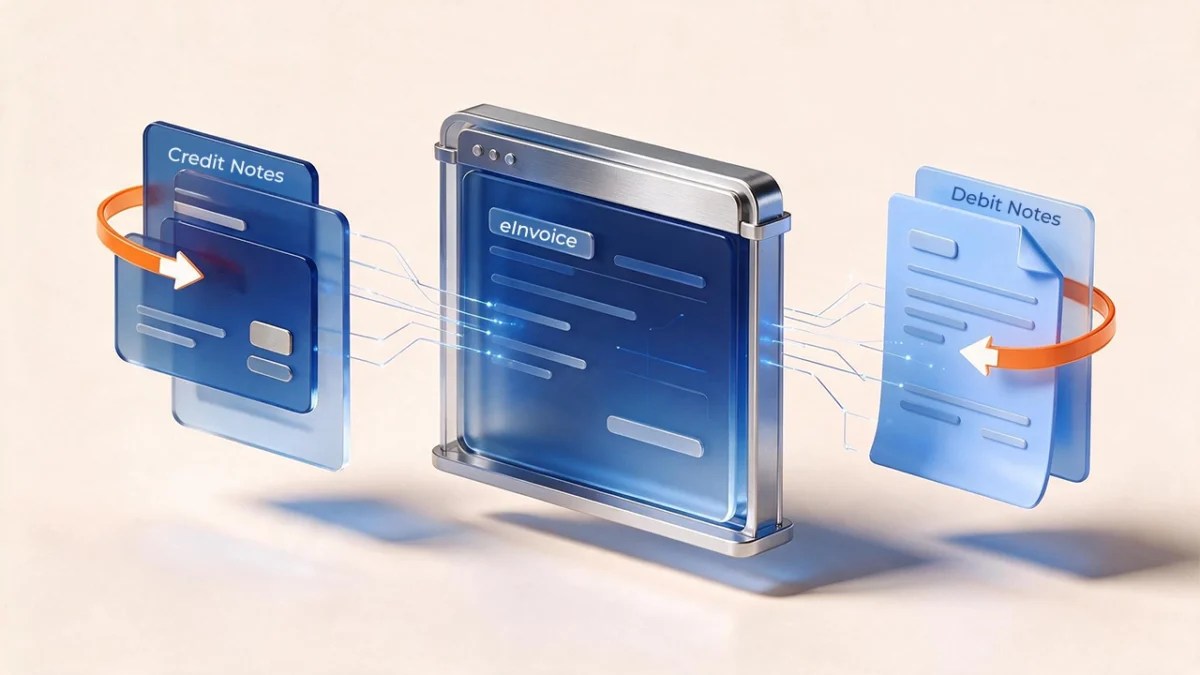
Returns, discounts and billing errors can change the amount a customer owes after an invoice has been issued. Under UAE eInvoicing, these adjustments need the correct electronic document, supporting information and VAT treatment.
A reduction is handled through the appropriate electronic credit note. An increase in an underbilled amount is handled through an additional electronic invoice. The UAE framework does not recognise a separate electronic debit-note category.
This guide explains how to choose the correct document, reference the original transaction and prepare your adjustment workflow.
Are debit notes recognised under UAE eInvoicing?
The Ministry of Finance’s Electronic Invoicing Guidelines v1.1 identifies six document categories covering standard billing and self-billing. There is no separate debit-note category.
Your accounting system may use a label such as “debit memo” for an additional charge. That internal label does not determine which electronic document can be transmitted under UAE eInvoicing. The adjustment must be mapped to the appropriate supported invoice category.
For VAT adjustments, Article 62(1) of the VAT Decree-Law requires a new tax invoice for the additional tax where output tax due exceeds the amount previously calculated. The Ministry’s Guidelines also identify an additional electronic invoice as a way to adjust an amount previously invoiced provisionally.
Which document should you issue?
The correct approach depends on what has changed.
| Situation | Appropriate treatment |
|---|---|
| A taxable supply is cancelled or its value is reduced | Issue an electronic tax credit note for the relevant adjustment, subject to the VAT rules. |
| A supply was underbilled | Issue an additional electronic invoice for the increase, including applicable VAT. |
| A commercial invoice needs its value reduced | Issue the corresponding electronic credit note. |
| An administrative or numerical error occurs | Article 6(2)(d) of Ministerial Decision 243 of 2025 requires an electronic credit note. Determine what needs correcting and whether a replacement invoice is also necessary. |
| A document fails technical validation or transmission | Establish the failure and document status with the ASP before correcting or resubmitting it, to avoid duplicate transactions. If the failure is a System Failure under Article 12 of Ministerial Decision 243, notify the FTA within 2 business days. |
A correction does not automatically require the entire original invoice to be reversed. The document and amount should reflect the actual adjustment.
Electronic document categories and type codes
The UAE PINT-AE specification identifies the following document types and codes:
| Document category | Type code |
|---|---|
| Electronic tax invoice | 380 |
| Electronic tax credit note | 381 |
| Commercial invoice | 480 |
| Electronic credit note (commercial credit note) | 81 |
| Self-billed electronic tax invoice | 389 |
| Self-billed electronic tax credit note | 261 |
A commercial invoice is used for sales that do not require a tax invoice under the VAT Decree-Law. Depending on the circumstances, this can include exempt or out-of-scope supplies and supplies made by a person who is not VAT-registered.
The document category should reflect the issuer’s status and the transaction. It should not be selected solely because an ERP uses a familiar accounting label.
Note that PINT-AE uses the international code name “Commercial invoice” for code 380. In the UAE, code 380 represents the tax invoice. The commercial invoice for sales that don’t require a tax invoice is code 480.
What information must a credit note contain?
A credit note must meet the applicable PINT-AE requirements, including the correct document type, transaction details and tax information.
Two fields are particularly relevant to adjustment processing:
- Credit note reason code: The reason must be specified in field BTAE-03. The permitted codes follow the adjustment grounds in Article 61(1) of the VAT Decree-Law: the supply was cancelled, its tax treatment changed, the agreed consideration was altered, goods or services were returned, or tax was charged in error. Code VD is used for volume discounts.
- Preceding invoice reference: The original invoice reference belongs in section IBG-03, subject to the volume-discount exception.
For a volume discount identified by reason code VD, the preceding invoice reference is not required. However, the current PINT-AE validation rule (IBR-055-AE) is written so that a VD credit note which does include a preceding invoice reference can fail validation. Confirm the treatment with your ASP.
A single electronic tax credit note can reference multiple earlier electronic tax invoices. A credit note can also cover only part of an invoice amount.
As an internal control, retain the agreement, calculation and approval supporting the adjustment. A missing structured invoice reference in a permitted volume-discount scenario does not remove the need for supporting records.
Can you issue a negative invoice instead?
No. The UAE-specific PINT-AE rules require an issued and received invoice to be reversed through a credit note rather than a negative invoice.
General Peppol documentation discusses negative invoices, but those general descriptions should not be applied without checking the UAE-specific requirements.
For finance teams, the practical rule is to select the appropriate credit-note document when reducing or reversing an invoiced amount.
When must invoices and credit notes be issued?
The deadline depends on the issuer and the applicable legislation.
For VAT registrants, Article 6(4) of Ministerial Decision 243 of 2025 links electronic invoice and electronic credit-note issuance and transmission to the timelines prescribed by the VAT Law.
Where output tax has been overcalculated, Article 62(2) of the VAT Decree-Law requires a tax credit note within 14 days of the relevant adjustment event specified in Article 61(1).
Subject to the VAT-registrant rule, Article 6(5) of Decision 243 requires issuance and transmission within 14 days from the Date of Business Transaction. The Decision defines this as the earlier of the transaction occurring or payment being received.
Businesses should therefore identify the applicable deadline when the adjustment arises. They should not assume that every correction receives a fresh 14-day period from the date an employee discovers it.
How an electronic adjustment moves through the system
Start by confirming the commercial change, calculating its effect and selecting the correct document category. Complete the required information and internal approval before submitting the document.
The supplier sends the data to its Accredited Service Provider in the agreed format. The ASP validates the information and converts it into the UAE-standard XML format where necessary. The supplier’s accounting system does not have to generate the final XML itself.
In the standard exchange process, the supplier’s ASP sends the document to the buyer’s ASP and reports the Tax Data Document to the FTA in parallel. Status messages support validation and delivery tracking.
Certain transaction scenarios use prescribed endpoints instead of the usual buyer exchange route. The routing must therefore match the transaction.
After submission, reconcile the document’s status with the accounting entries. Successful technical transmission does not, by itself, establish that the VAT calculation or return-period treatment is correct.
How adjustments affect VAT reporting
The document workflow and VAT treatment must be reviewed together.
For an upward output-tax adjustment, Article 62(1) requires the additional tax to be accounted for in the Tax Period when the increase was identified.
Article 63 addresses the supplier’s output-tax reduction through a tax credit note and the recipient’s corresponding input-tax reduction. For the recipient, the relevant period is the Tax Period in which the tax credit note was received.
Finance teams should apply the relevant rule to each party rather than assuming that both sides will always record the adjustment on the same date.
Keep the original transaction, adjustment calculation, electronic document and accounting entries traceable to one another.
Can an agent or buyer issue the document?
Ministerial Decision 243 permits an agent to issue and transmit an electronic invoice or electronic credit note on behalf of a principal.
It also permits a recipient to issue documents on behalf of the supplier under self-billing arrangements where both parties are VAT registrants and the applicable conditions are satisfied.
The Ministry’s Guidelines state that self-billing requires the buyer to be on the Electronic Invoicing System. Self-billing is not available for commercial invoices.
Before using either arrangement, confirm the agreement, responsibilities and system configuration.
What records should you retain?
Article 11 of Decision 243 requires electronic invoices, electronic credit notes and associated data to be stored within the State, in line with the timeline prescribed under the Tax Procedures Law. The Ministry’s Guidelines v1.1 clarify that “within the State” means the records must be retrievable when the FTA requests them, regardless of where the servers are located.
As a practical control, retain:
- The original invoice and the adjustment document.
- Contracts, return records or discount agreements supporting the change.
- Calculations showing the adjustment and applicable VAT.
- Internal approval records.
- Transmission and validation status information.
- Reconciliations supporting the VAT return treatment.
Retention should preserve a clear audit trail from the commercial event to the accounting and tax entries.
What to check before implementation
Finance, tax and IT teams should test the adjustment scenarios the business actually uses.
Map returns, cancellations, rebates and underbilling to the supported document categories. Check that required reason codes and invoice references are available in the source data and reach the ASP correctly.
Test partial adjustments, adjustments spanning multiple invoices and the volume-discount exception. Confirm who handles failed submissions and how the team prevents duplicate documents.
For invoices issued before the business implemented eInvoicing, agree the correction process with the ASP and tax team before a live case arises.
Assign clear responsibility for deadlines, approvals, reconciliation and record retention. These controls should form part of the regular invoicing process.
Related posts:
 UAE eInvoicing Testing: What Finance Teams Should Validate Before January 2027
  UAE eInvoicing Readiness Checklist: 10 Things to Fix Before 1 January 2027
  UAE eInvoicing for Healthcare: A Practical Readiness Guide for 2027
  UAE eInvoicing for Construction Companies: 7 Systems to Fix Before the 2027 Deadline
  UAE eInvoicing Readiness Checklist: What to Check Before You Go-Live